
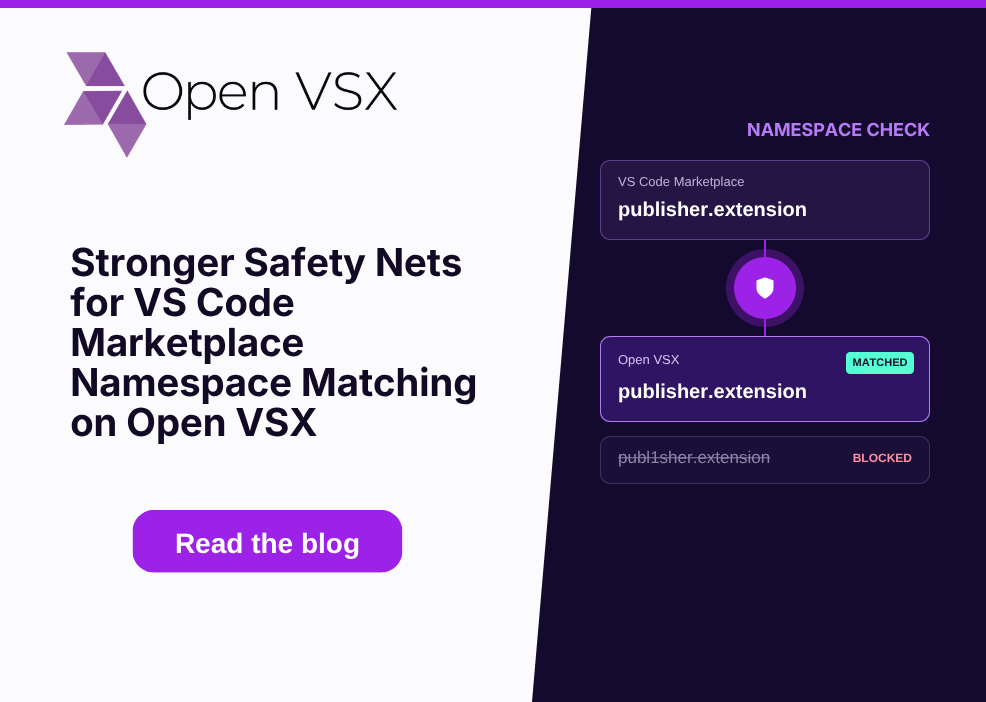
At Open VSX, preserving publisher identity, protecting extension developers from namespace squatting, and in general assuring the integrity of our content are ongoing priorities. To keep our registry safe and prevent unauthorized releases, we are refining how Open VSX handles extensions that match existing VS Code Marketplace publishers.
Here is a detailed breakdown of how the automated scanner works, what happens during publication, and what extension publishers need to know.
How the Scanning & Review Flow Works
It is important to note that namespace verification is not a synchronous pre-publish gate, nor does it block your initial release command from succeeding. Instead, the check acts as an async post-publish safety net:
- Namespace Rights: As a publisher, you must have CONTRIBUTOR or OWNER permissions on the namespace you are publishing to.
- Publishing & Response: When you publish an extension version, assuming the extension passes pre-publication malware scanning, the Open VSX server accepts the extension version and returns a successful response (including successful CLI completions).
- Automated Post-Publish Scan: After publication, an asynchronous scanning job evaluates whether your namespace.extension matches a publisher.extension on the VS Code Marketplace.
- Conflict Detection & Review: If the scanner detects a matching VS Code Marketplace extension and your Open VSX account lacks full OWNER rights to that namespace, the published extension version is quarantined and marked as "under review". It will not be made publicly available until ownership is verified.
Note for CLI Users: Because the scanning happens asynchronously after publication, your CLI command will not fail or exit with a non-zero code. To verify whether your published version is public or placed under review, check your extension status via the Open VSX web UI or API.
Do I Need 'Owner' Rights for Every Publish?
No. Owner rights are only triggered if there is an explicit namespace.extension match with the VS Code Marketplace:
- Standard Extensions (No Collision): You only need standard CONTRIBUTOR rights to publish on Open VSX. The scanner will pass without issue.
- Extensions Matching MS Marketplace: If your extension exists on the VS Code Marketplace, there must be a full OWNER to the corresponding Open VSX namespace to prevent your uploads from entering the "under review" quarantined state. That is, the namespace needs to be verified.
Key Details at a Glance
| Aspect | Standard / Non-Colliding Extensions | Matching MS Marketplace Extensions |
|---|---|---|
| Publishing Permissions | Requires CONTRIBUTOR or OWNER rights, i.e. namespace verification not required. | Requires namespace verification. |
| CLI / API Response | Succeeds immediately. | Succeeds immediately (no CLI non-zero exit). |
| Post-Publish Scan Result | Published and available publicly. | Placed in QUARANTINED / “under review” status if unowned. |
Claiming Your Namespace
If your extension is flagged as "under review" due to a marketplace match, or if you need to establish ownership of a pre-existing namespace on Open VSX, you can request namespace ownership by opening a GitHub issue:
- Submit an issue in the EclipseFdn/open-vsx.org repository using the designated namespace issue template.
- Once administrator review confirms ownership and assigns OWNER rights to your account, quarantined versions can be approved and future releases will automatically bypass the review queue.
Helpful Documentation & References
For further technical specifications on publishing and namespace policies, refer to the official wiki pages:
- Publishing Extensions Guide — Details on extension scanning rules, identity preservation, and review states.
- Managing Namespaces Guide — Instructions on requesting namespace ownership and managing account permissions.


